User Guide
Everything you need to know about PracticeLink CV
Getting Started
PracticeLink CV is a comprehensive platform for healthcare professionals to create, manage, and share their credentials and CVs.
- Create your account or log in
- Complete your profile information
- Add your credentials (education, licenses, certifications, etc.)
- Create your first CV using our templates
- Share your CV with institutions and recruiters
Managing Your Credentials
Keep all your professional credentials in one secure location:
- Education: Add your medical school, residency, and fellowship training
- Licenses: Track all your state medical licenses and expiration dates
- Certifications: Upload board certifications and specialty credentials
- Employment: Document your work history and clinical experience
- Publications & Research: Showcase your scholarly work and research contributions
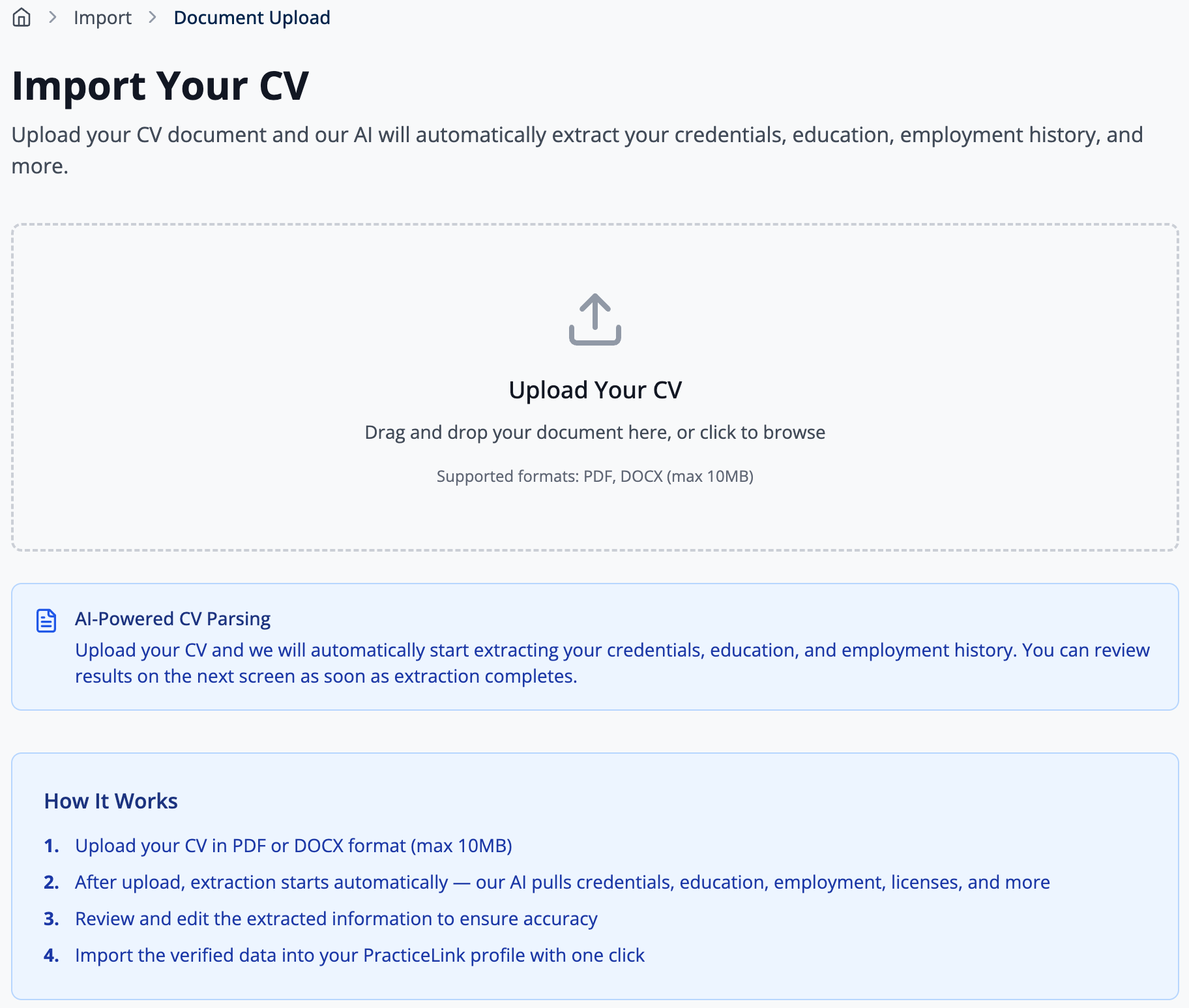
Importing Data
Save time by importing your existing CV or credentials:
- Upload PDF or Word documents
- Import from CSV files
- Use automated credential verification to reduce manual work
- Enter your NPI to import your verified physician record
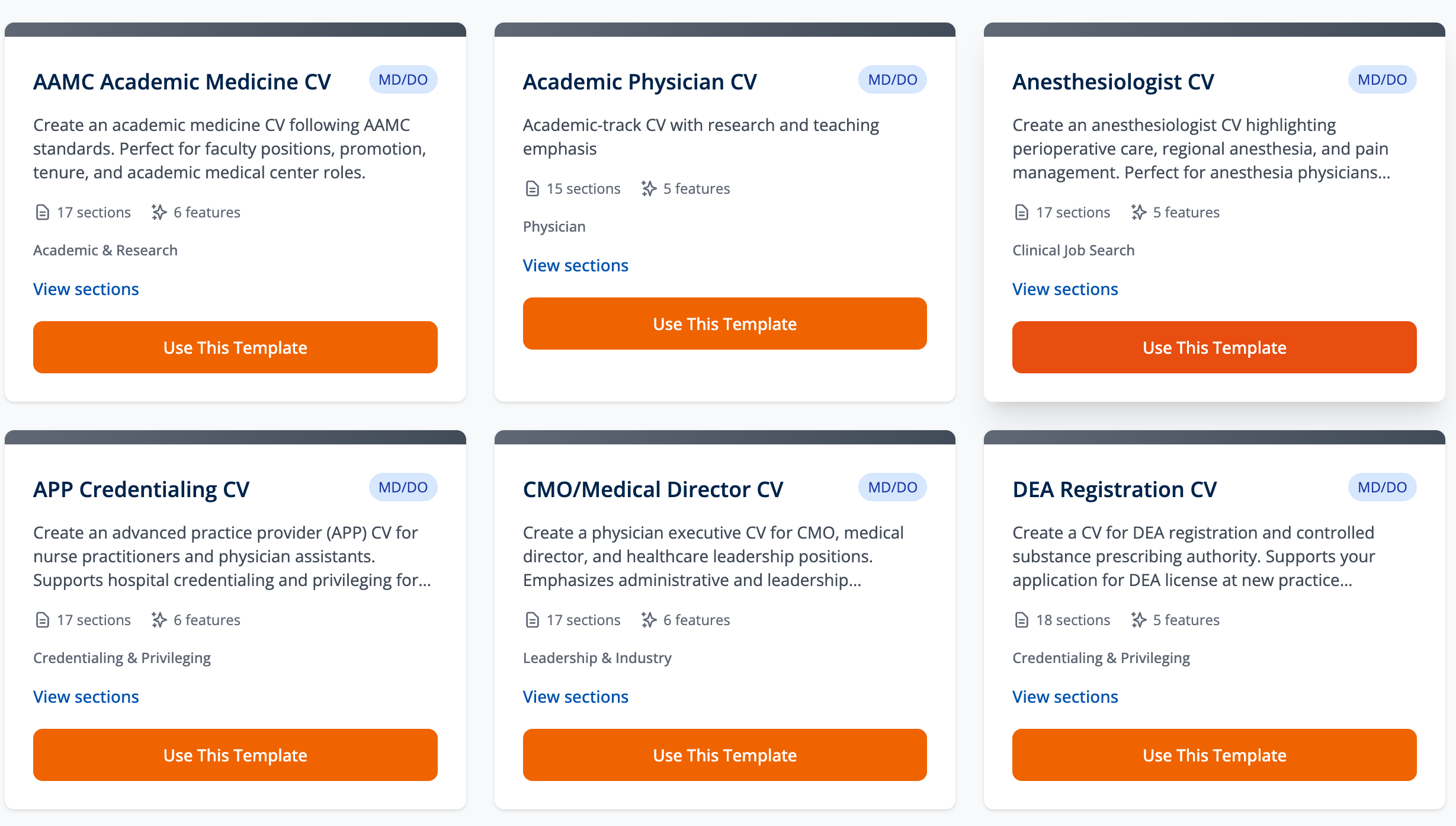
Creating CVs
Build professional CVs tailored to your needs:
- Choose from multiple templates (Academic, Clinical, Research, Administrative)
- Customize which sections to include
- Preview your CV before sharing
- Create multiple versions for different opportunities
- Track version history and restore previous versions
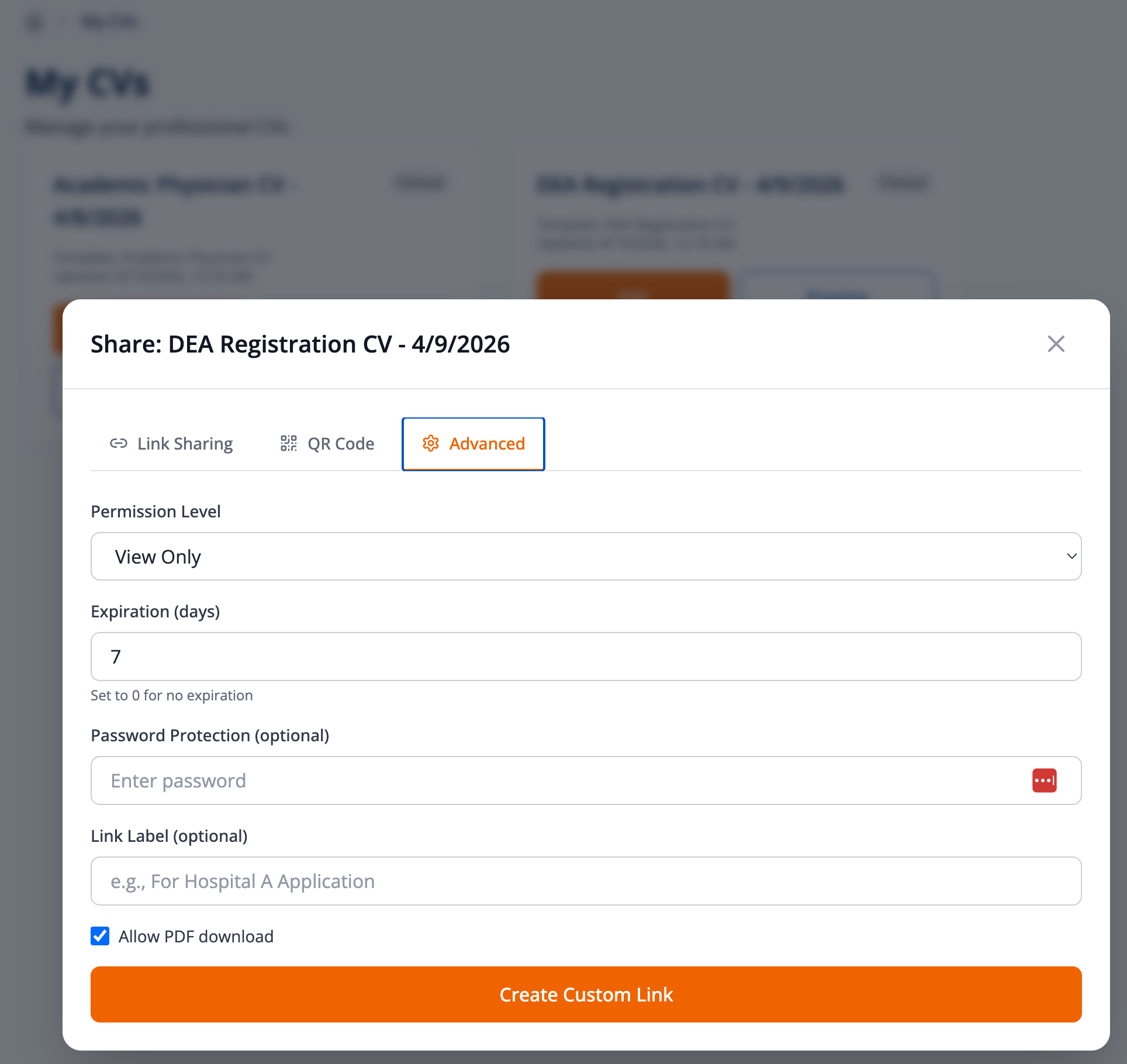
Sharing Your CV
Share your credentials securely with institutions:
- Generate secure sharing links with expiration dates
- Control access with password protection
- Track who views your CV and when
- Allow or restrict downloads
- Revoke access at any time
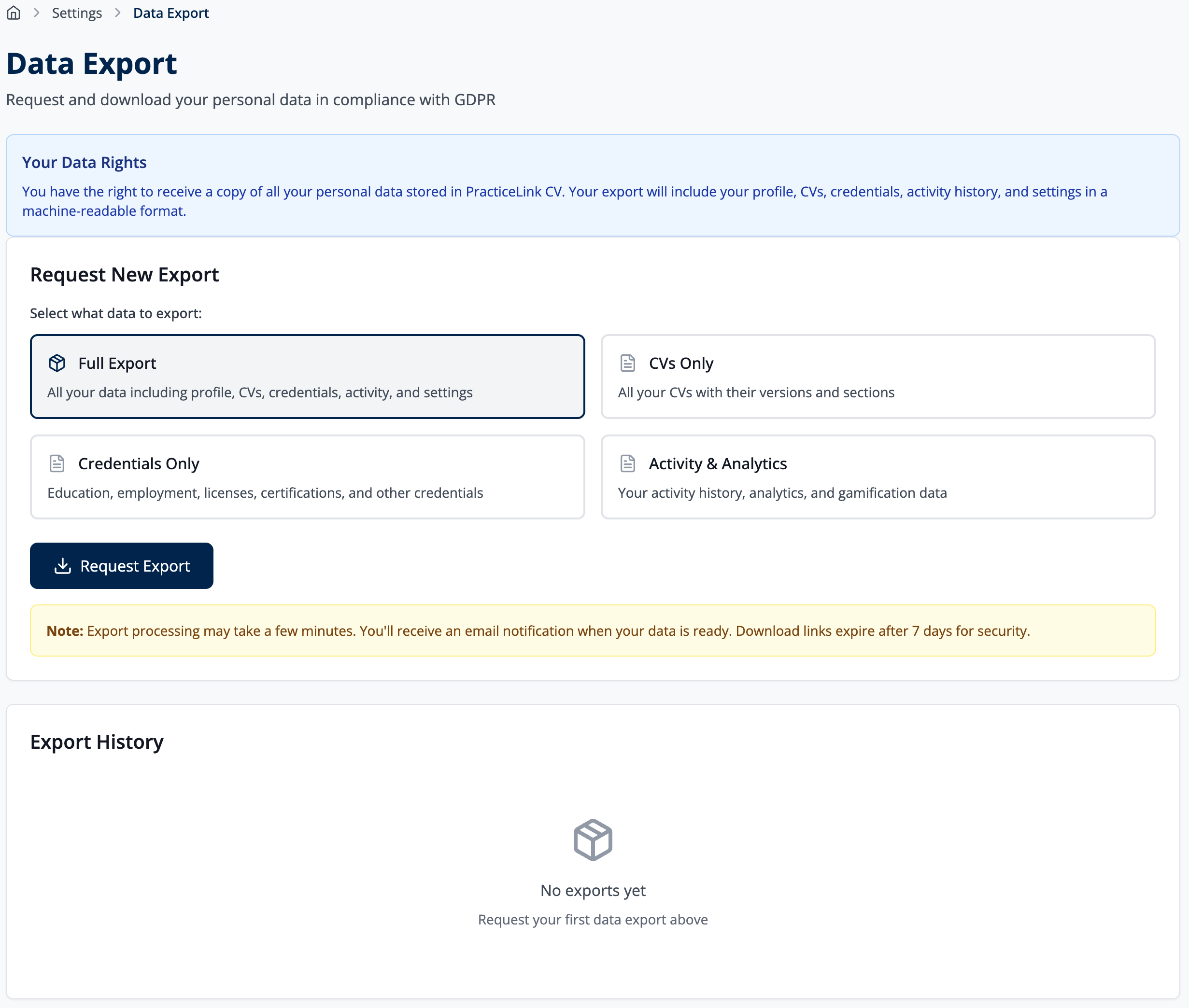
Exporting Data
Download your information in various formats:
- Export CVs as PDF for printing or email
- Download credentials as CSV for record-keeping
- Generate comprehensive data exports